
Computer repair
Your computer.
Back to your day.
From a slow laptop to a desktop that won’t start, get a clear diagnosis and a practical repair plan.
- Clear estimates
- Local technicians
- Quality options

Start with your computer
A familiar fix for your favorite device.
Choose a model below, or find your exact device in the booking tool.
MacBook Pro 16" A3429 (2026) M5 Max
Explore repairsMacBook Pro 16" A3428 (2026) M5 Pro
Explore repairsMacBook Pro 14" A3427 (2026) M5 Max
Explore repairsAnother brand or model? Find your device in the booking tool.
What needs attention?
Small issue. Big interruption.
Choose a starting point. Available services and component options depend on your exact model.
Display problems
A damaged display, flickering, or no picture.
Battery problems
Get help with laptop battery life and charging.
Power & charging
Loose ports or a computer that will not power on.
Slow performance
Troubleshoot sluggish startup and everyday use.
Liquid damage
An evaluation of spills and damaged components.
Software & storage
Discuss errors, storage issues, and upgrade options.
More than one issue? You can select additional problems during booking.
Simple from the start
Three steps. One less thing to worry about.
- 01
Tell us what happened
Choose your device and issue, then select an available location and service option.
- 02
Review your options
We inspect your device and explain the price, parts, and expected timing before you approve the repair.
- 03
Get back to what matters
Your team checks the repair and lets you know when your device is ready.
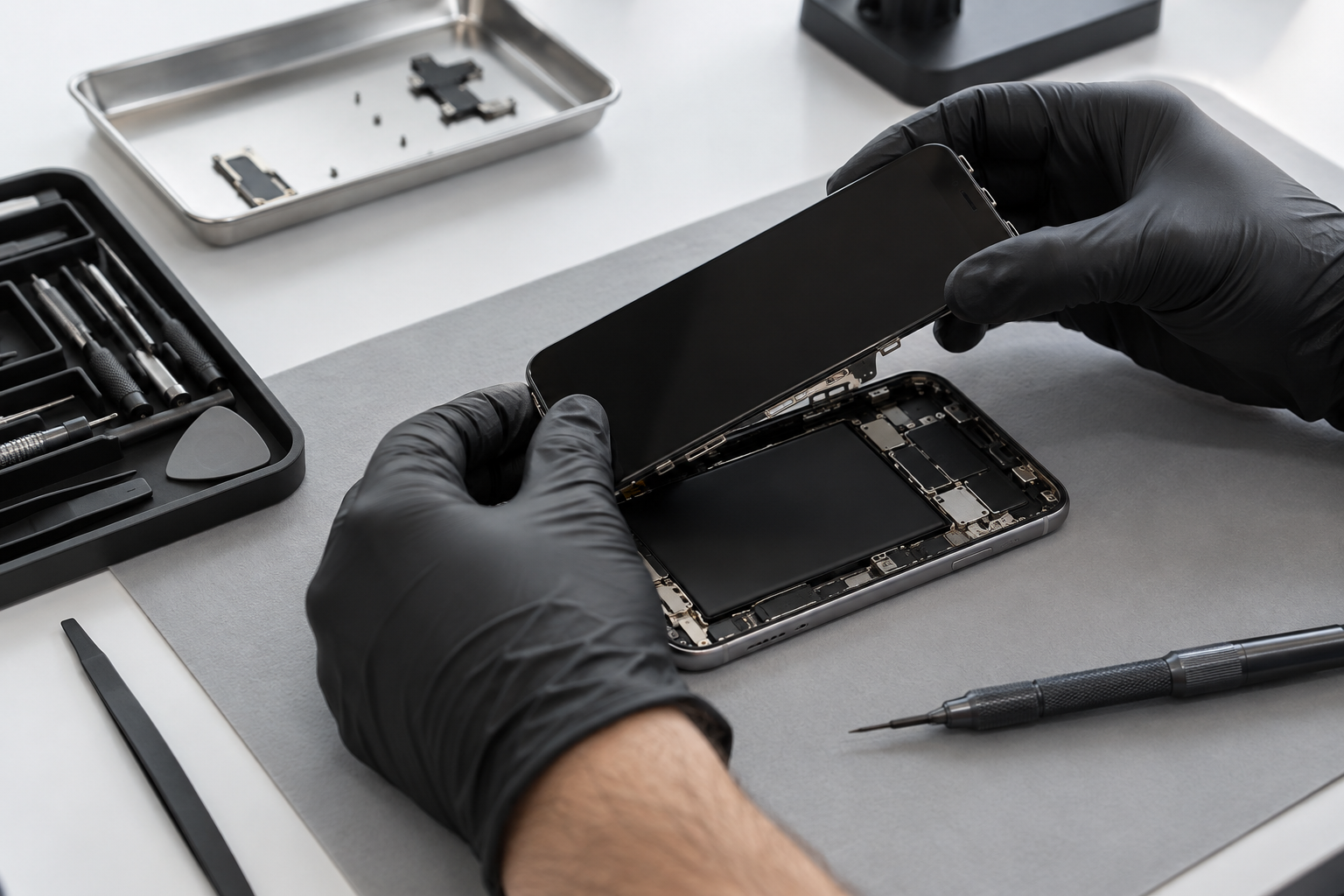
Your tech is in good hands
Know what’s happening.
Feel good about the fix.
- Options explained clearlyCompare the repairs and components available for your device.
- A quote before we beginReview the cost and timing before approving the work.
- Support beyond the repairAsk your local team about care tips and the warranty for your repair.
More repair options
Other tech. The same care.
Get help with the devices you work, play, and connect with.

Phone repair
Screens, batteries, charging, and more.
Explore repairs
Tablet repair
Screens, batteries, charging, and more.
Explore repairs
Console repair
Get help with HDMI, power, and performance.
Explore repairsSomething else needs attention? Tell us about your device.
Before you visit
Good questions.
Clear answers.
A little preparation makes your visit easier.
How much will my repair cost?
Choose your device and repair in the booking tool to see available pricing. Your technician confirms the final quote after inspecting your device. Where a price is not listed: Pricing available upon request
How long does a repair take?
Many common repairs can be completed the same day when parts are available. Diagnostics, liquid damage, and special-order parts may take longer. We’ll confirm timing with you.
Do I need an appointment?
Walk-ins are welcome. Booking ahead helps you share your device and issue before you visit. Check with your store about parts and availability.
What should I bring?
Bring your device and any charger or accessory related to the problem. Back up your data if you can, and let the team know about any previous damage or repairs.
What warranty is included?
Coverage depends on the repair and components selected. Your technician will explain the applicable warranty, eligibility, and exclusions before you approve the work.
Is there a diagnostic fee?
The diagnostic fee is $29 and is deducted from an approved repair. Some diagnostics can take up to 72 hours.
Let’s get it sorted
Ready to repair your computer?
Tell us your model. We’ll help with what comes next.