

Vanna S.
Google review
“Repairology completely exceeded my expectations!”
Professional electronics repair
Phone, computer, tablet, or console. Get the devices you depend on back in your hands with Repairology.
Don’t see your device? We repair any device with a power button. Start a repair
“Repairology completely exceeded my expectations!”
“Matt is awesome. … Absolute lifesaver!”
“Not only are they quick but the staff is personable”
Selected review excerpts. Read more on Google
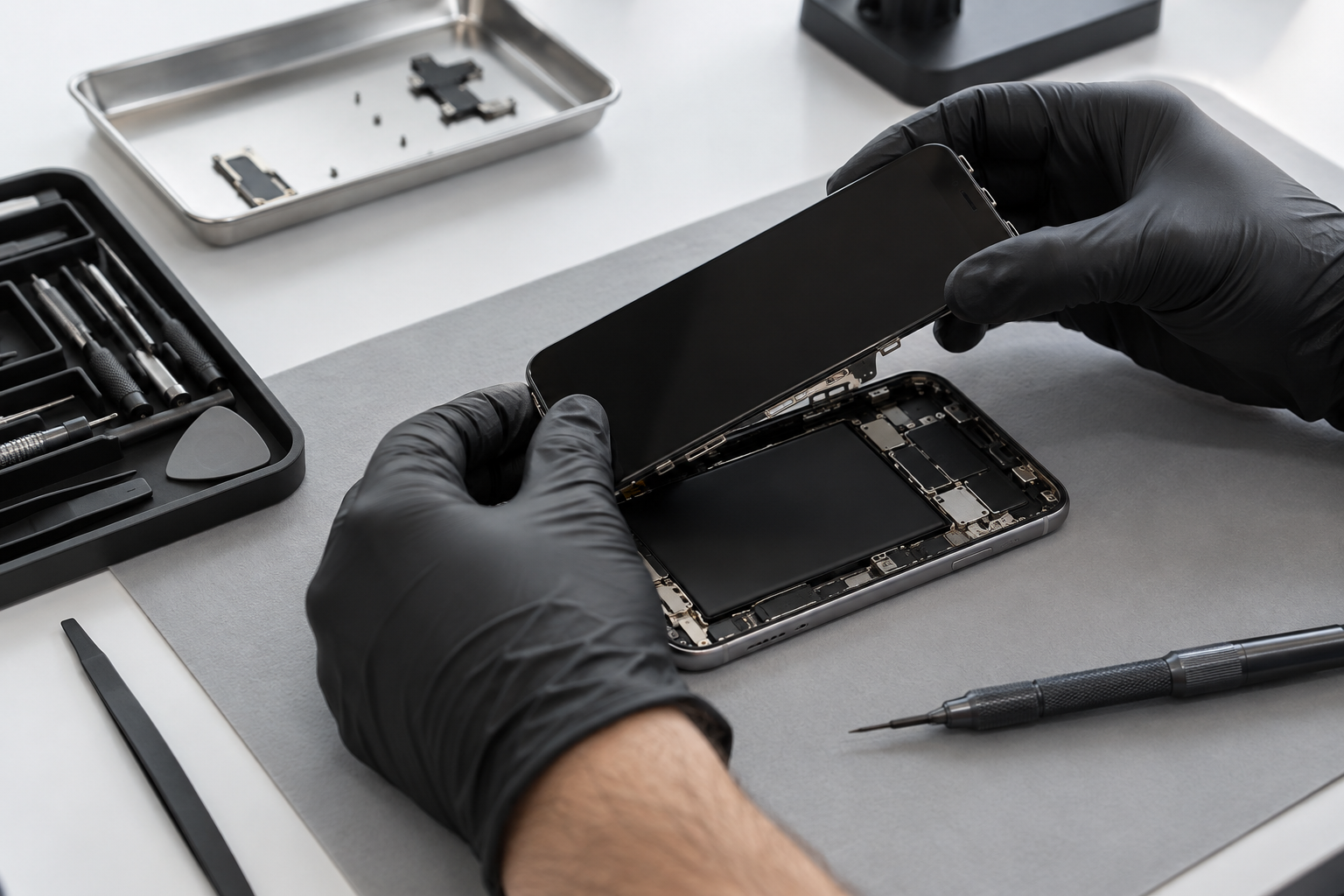
Tech repair done right
From the first diagnosis to your final pickup, our team keeps you informed and helps you choose the right repair.
Know the repair cost before you approve the work.
Available for many common repairs. We’ll confirm timing.
Limited lifetime coverage on eligible repairs. We explain the terms.
Your local team is here before, during, and after your repair.





























More for your tech
Shop iPhone display assemblies and accessories for local pickup.
Whatever the device or issue, our Repairology experts can help you get back up and running. Explore our repair services below.
Screens, batteries, cameras, and charging ports. Get expert help for your iPhone with quality parts and a clear repair plan.
Learn moreFrom Galaxy screen damage to charging problems, our technicians can evaluate your Samsung and explain your repair options.
Learn moreKeep your Pixel ready for the day. We help with cracked screens, battery issues, charging problems, and more.
Learn more
iPhone, Samsung, Google, Motorola, and more. Choose your phone and tell us what needs attention.
Learn more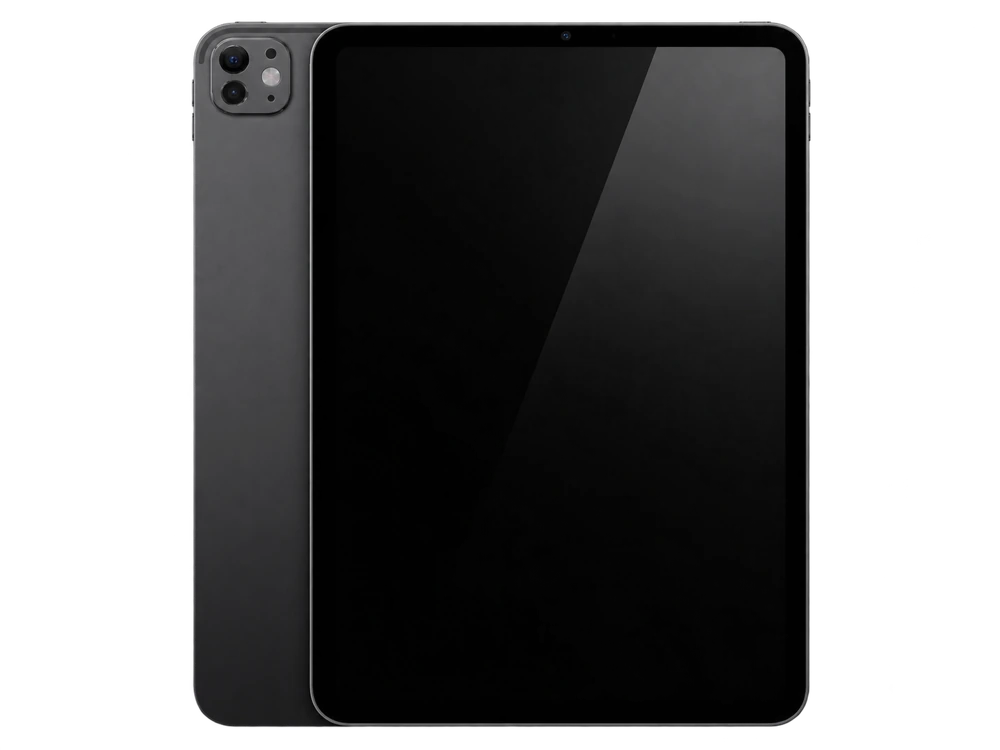
Cracked display or a battery that won’t last? Our team can check your iPad and help you choose the right repair.
Learn more
Mac and PC support for laptops and desktops, including hardware repairs, upgrades, software issues, and data recovery.
Learn more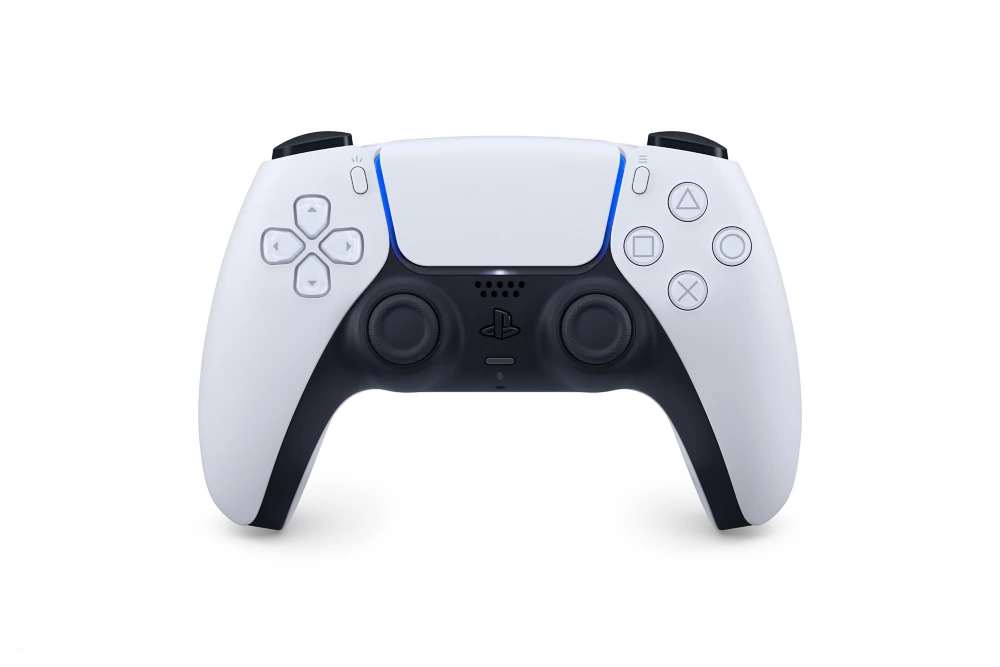
PlayStation, Xbox, and Nintendo repairs for HDMI ports, power problems, overheating, and more. Get back to your game.
Learn moreHelp for iPad and Android tablets with broken screens, charging problems, or batteries that need replacing.
Learn moreSpecialized help for the issues that need a closer look.
Board-level diagnosis and component repair.
Help recovering your photos, files, and memories.
Setup, backups, updates, and troubleshooting.
Screens, batteries, charging ports, and more.
Get your PlayStation, Xbox, or Nintendo working again.
Builds, upgrades, and support for your setup.
The repair library
Explore model-specific guides, illustrated procedures and the tools to get started.
Replace a cracked or unresponsive display.
Preparation, tools & full guideReplace the battery in the late-2020 MacBook Air.
Preparation, tools & full guideReplace the cooling fan without a full console teardown.
Preparation, tools & full guideWalk-ins are welcome at your local Repairology store. Start your repair online or call ahead to confirm parts and availability.
Same-day service is available for many screen and battery repairs. Your technician will confirm timing after checking your device. Board repairs, data recovery, and special-order parts can take longer.
Coverage depends on the repair and part selected. Eligible Signature and Genuine iPhone displays include a lifetime warranty; Select displays include a one-year warranty. Ask our team for the terms for your repair. Accidental damage protection is available separately through RepairCare.
Our team can evaluate devices with power, liquid damage, and board issues for data recovery. Recovery depends on the condition of the device and its storage.